Cook-Torrance PBR + Normal Maps
A real physically-based shading model lands. Metallic/roughness workflow, GGX microfacets, Schlick Fresnel, normal maps with per-vertex tangents, and one SceneObject node that bundles geometry and material.
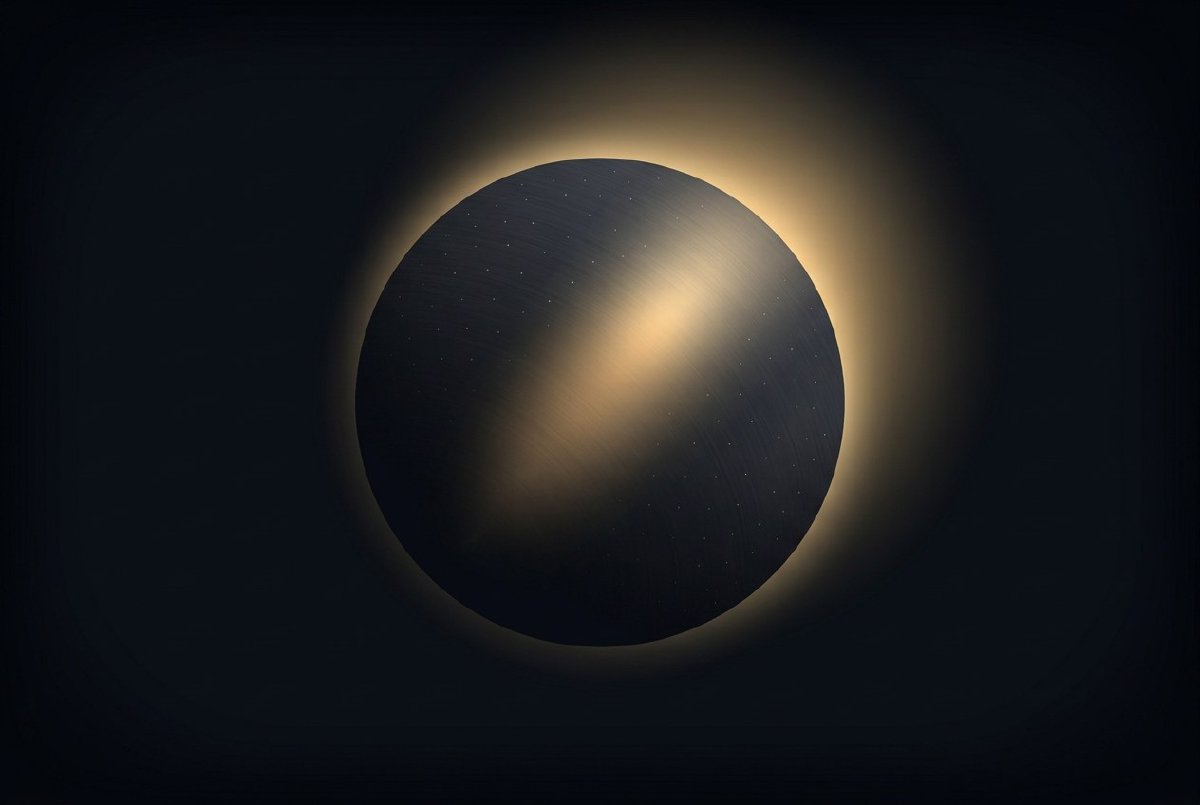
Lambert and Phong from a few months ago were fine for making a sphere look round. They’re not fine for making a sphere look like a specific material. Lambert gives you “matte colour”. Phong gives you “matte colour plus a white specular highlight wherever the math says there should be one”. That’s it. Every material looks like a billiard ball.
Real materials don’t work that way. Gold is warm and has a coloured specular. Plastic has a bright tight highlight on a red diffuse body. Rough metal has a broad Fresnel sheen that sweeps across the silhouette. Worn leather has no specular anywhere. Cook-Torrance is the industry-standard shading model that does all of this from two parameters — metallic and roughness — and a physical theory of microfacets.
This is the Cook-Torrance post.
The microfacet model, briefly
The theory: a surface is a patchwork of microscopic perfectly-reflective facets, each oriented in a slightly different direction. The macroscopic appearance is a statistical average of what those facets do. Three statistics determine everything:
- D (normal distribution function) — how many facets are aligned close to a particular direction. Concentrated D = mirror. Spread D = rough. I use GGX / Trowbridge-Reitz, which is the standard.
- G (geometry term) — self-shadowing and masking between facets at grazing angles. I use Smith with the Schlick-GGX approximation.
- F (Fresnel) — how much light reflects at each angle. I use Schlick’s approximation with F0 =
mix(0.04, albedo, metallic).
Those three things combined (D * G * F / (4 * NdotL * NdotV)) give you the specular BRDF. Add a diffuse term ((1 - metallic) * albedo / π) for non-metals, and you have a complete physically-based shader.
The reason this works is energy conservation. The Fresnel term tells you how much light reflects vs. transmits. The geometry term makes sure you don’t get more light coming out of the surface than went in (a bug you see in a lot of “PBR” implementations that forget the geometry term’s denominator). The (1 - F) split between specular and diffuse ensures the two terms sum to at most one. Put a rough white sphere in white light, and it comes out white. Put a mirror ball in white light, and it comes out mirror-white. Put a rough metal in white light, and the specular tint absorbs some of the reflection — physically, the metal’s electrons preferentially reflect some wavelengths.
There are hundreds of pages of theory behind this. I’m going to skip them, partly because the math would take the post over, and partly because I cross-checked my formulation against two other Rust+wgpu engines and if all three of us are wrong in the same way, at least we’re wrong together. The code is in mesh.wgsl; the reference papers are in the commit message; the test patches verify behaviour on a gold sphere, a red plastic sphere, and a few more.
The metallic/roughness workflow
Instead of authoring specular and diffuse colours separately, PBR collapses them into two intuitive values:
- metallic ∈ [0, 1]. 0 is a dielectric (plastic, skin, leather, wood, fabric). 1 is a conductor (gold, copper, iron, aluminium). Anything in between is usually wrong and you should pick one. The
mix(0.04, albedo, metallic)F0 formula handles both cases: a dielectric has a 4% white Fresnel reflection (the universal “things have a slight specular even when matte” coefficient); a metal has a Fresnel coloured by its albedo. - roughness ∈ [0, 1]. 0 is a perfect mirror. 1 is fully diffuse. The GGX distribution uses
roughness²as its alpha parameter, because that matches perceptual linearity —roughness = 0.5should look “half as rough” asroughness = 1.0, and the squared mapping delivers that.
Two values. That’s the whole material authoring interface for the baseline PBR node.
The PbrMaterial node has three pins: base_color (Color), metallic (Number, 0-1 slider), roughness (Number, 0-1 slider). Wire a ColorPicker to base_color. Drag the roughness slider. You’ve just configured a surface.
Packing into DrawUniforms
From the lights post, DrawUniforms was 128 bytes: model matrix, diffuse colour, specular+shininess, flags. Adding roughness and metallic didn’t need a larger struct — I packed them into the two unused components of the flags: vec4f field. Roughness goes into flags.y, metallic into flags.z, and the existing material class and feature bits stay in flags.x and flags.w.
This matters because DrawUniforms lives in a dynamic-offset uniform buffer shared across every draw call in a frame. Growing the struct would shift every offset and invalidate every draw. Keeping it the same size means adding PBR had zero impact on anything upstream.
Roughness gets clamped to [0.04, 1.0] on the GPU, because GGX with roughness = 0 hits a divide-by-zero in the denominator. The floor of 0.04 corresponds to a very sharp but non-singular mirror and matches every other engine’s default. The Dirac-delta “perfect mirror” has to be handled as a separate rendering model (ray tracing, env-map sampling) — we’ll get there with IBL in the next post.
Normal maps
The second half of this session was normal maps. A PBR sphere with a flat normal is a PBR sphere. A PBR sphere with a detailed normal map can be a weathered rock, a hammered metal surface, or a brick wall with no extra geometry. Normal maps encode per-pixel surface detail in the red/green channels of a texture, and applying them on the fragment shader is the single biggest visual improvement a real-time renderer can deliver for free.
The implementation has four pieces.
Tangent computation. The mesh needs per-vertex tangent and bitangent vectors to transform tangent-space normal-map samples into world space. A new compute_tangents in mesh_builders derives them from UV edge deltas: for each triangle, the tangent is the direction in which u increases in 3D space, the bitangent is the direction in which v increases, and Gram-Schmidt orthogonalises the tangent against the interpolated normal to handle non-orthonormal UV layouts. The bitangent sign encodes whether the UV layout is left- or right-handed and lives in a fourth component so the vertex shader can reconstruct the bitangent with a cross product.
MeshPool calls this automatically when a mesh is uploaded with UVs and normals but no tangents. Every primitive in lux-scene-primitives now goes through this path, so Box, Sphere, Plane, Cylinder, Cone, Torus, and Grid all work with normal maps without the plugin author having to care.
TBN matrix in the shader. Vertex shader computes world-space tangent, passes (world_tangent, tangent_sign) to the fragment. Fragment shader reconstructs the bitangent, builds the 3×3 TBN matrix, samples the normal map, unpacks from [0, 1] to [-1, 1], transforms through TBN, normalises, and uses that as the shading normal for every PBR lighting calculation downstream.
Material texture binding. This one was awkward. wgpu’s minimum spec allows 4 bind groups. Group 0 is per-frame (camera), group 1 is per-draw (model + material), group 2 is lights. The obvious place for material textures is group 3. But group 3 was already almost full with shadow maps — another incoming feature this session. Solution: merge normal maps and shadow maps into a single group 3 that carries a 2D colour texture (normal map), a 2D depth texture (shadow atlas), and their samplers.
This is ugly but forced. Mesa llvmpipe (which runs in CI) enforces the 4-bind-group minimum. Splitting to 5 groups would have worked on every real GPU but broken software-rendered tests. So the two feature families cohabit.
A 1×1 flat-blue fallback texture [128, 128, 255] is always bound when no normal map is attached. That’s the neutral tangent-space normal (0, 0, 1 after unpack), so materials with no normal map behave as if the geometric normal were the shading normal. One default, one code path.
The pin. PbrMaterial grows an optional normal_map input of type Texture. Wire a LoadImage node to it and the material picks it up. Nothing wired? The flat-blue fallback stays bound. Instant drop-in detail.
The SceneObject node
While I was in there, I consolidated a pattern that kept repeating. Every 3D patch was three nodes: a geometry source (Box, Sphere), a material (PbrMaterial, LambertMaterial), and a transform (Transform3D, Translate3D). The three wired into RenderScene’s mesh, material, and transform inputs.
SceneObject bundles all three. One node, three input pins, one output pin of type SceneObject that RenderScene accepts as an alternative to the three separate inputs. Wire a box, wire a material, wire a transform, wire the bundle into the scene. Same four connections; one node in the middle.
The bundle is structural, not a new data type — under the hood it’s a tuple of the three handles. RenderScene takes either (mesh, material, transform) inputs or a spread of SceneObject bundles, and the spread path is the one you want when building scenes with dozens of distinct objects. You get a grid of differently-coloured boxes by spreading a GridTransforms3D through one bundle node, and a spread of fifty SceneObjects through the scene. Every object gets its own material. No chain of Merge nodes. No forest of wires.
The material spread test
One of the cutest tests in the PBR commit is the multi-material one. It builds a patch with three spheres, three materials (gold metallic, red plastic, black rubber), and wires them as parallel spreads into a single RenderScene. The auto-spread semantics from way back pair them element-wise: sphere 0 gets material 0, sphere 1 gets material 1, sphere 2 gets material 2.
The test asserts specific pixel properties on each sphere: gold has a bright yellow specular with a dark body (metals have no diffuse); red plastic has a red diffuse with a small white specular (dielectric F0 = 0.04 is white, not tinted); black rubber is almost entirely dark. Three materials, one spread, one draw call per material (they have different bind groups), all in one scene. It proves that the spread semantics, the material system, and the PBR shader all compose correctly.
What it feels like
Before this post, a scene with 20 objects used 20 boring-looking spheres. After this post, the same scene can have 20 visually-distinct materials — gold, copper, plastic, rough steel, glossy paint, leather, concrete, each authored by two sliders and a colour. A normal-mapped sphere looks like a weathered rock. A spread of SceneObject bundles through one RenderScene is the whole patch.
This is the post where Lux stopped looking like a shader playground and started looking like something you could build a real scene in.
Next post adds the thing that makes PBR materials actually feel lit instead of just shaded. Image-based lighting, environment maps, the whole split-sum approximation.
I have no idea what I’m doing or if any of this is right, but it’s fun. Follow along.