Image-Based Lighting
A sphere lit only by an environment map. Four compute passes — environment cubemap, irradiance, prefiltered mip chain, BRDF LUT — plus the split-sum sampling in the PBR shader that makes it all converge.
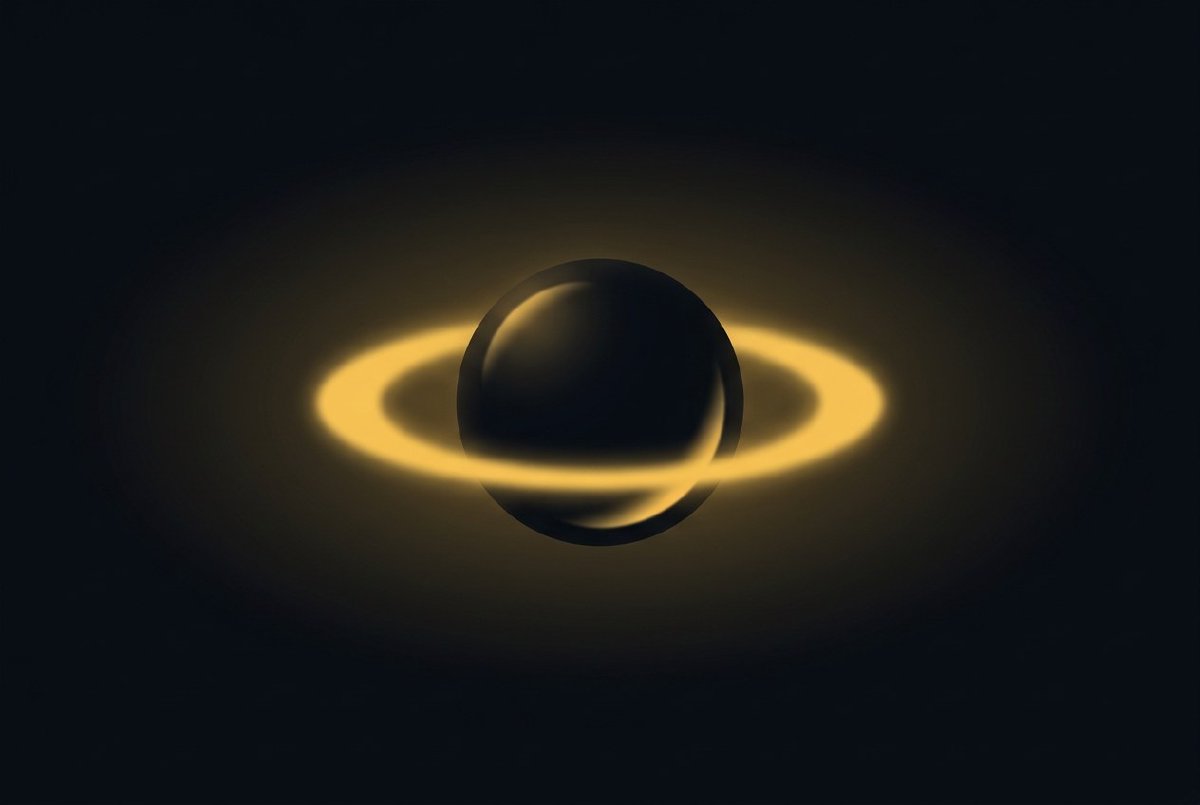
A PBR sphere without image-based lighting looks strange in a very specific way. It has highlights and has diffuse shading, but all of that shading comes from a handful of explicit lights. The parts of the sphere that aren’t facing a light go to whatever the ambient term decides, which is usually a flat colour. You can tell the material is supposed to be metal, but the metal is reflecting nothing in particular.
Real metal reflects its environment. That’s most of what makes it look like metal. A chrome ball on a desk reflects the desk and the ceiling and the windows; if it didn’t, it would just be a grey circle. The whole reason metals look like metals is because they’re a mirror for their surroundings, weighted by Fresnel.
Image-based lighting is how you get that in real time. Instead of explicit point and directional lights, the scene is lit by a cubemap of the environment. Every pixel on every surface samples the cubemap at the direction the view ray would reflect, weighted by the material’s roughness. Rough surfaces sample a blurred version of the cubemap. Smooth surfaces sample a sharp version. Metals use the whole contribution; dielectrics only use the specular part. Diffuse lighting comes from a separate convolution of the cubemap that represents how much light arrives at a surface from the entire hemisphere.
The standard real-time approximation that makes this tractable is the split-sum approximation (Karis, SIGGRAPH 2013). As best as I can tell from reading the papers, I’m using it correctly. Gold sphere looks gold. I’m going to take that as confirmation and move on.
The Environment type
A new data type in lux-core:
pub struct Environment {
    pub env_cube: TextureHandle,            // the raw cubemap
    pub irradiance: TextureHandle,          // diffuse convolution
    pub prefiltered: TextureHandle,         // mipped specular convolution
    pub prefiltered_mip_count: u32,
    pub brdf_lut: TextureHandle,            // 2D lookup table
    pub intensity: f32,
}
Five texture handles and a scalar. Wire an Environment into a scene and the PBR shader samples all five.
The type crosses pins as Arc<Environment> wrapped in PinValue::Environment, same pattern as layers and materials. Cloning a wire transfer is a refcount bump; the thing behind the Arc is 40 bytes of handles that rarely change.
Cubemap-aware TexturePool
The existing TexturePool knew about 2D textures. Cubemaps are six-layer textures with a Cube sampling view, and their total memory depends on the mip chain (each mip is a quarter of the previous level’s size, summed geometrically to ~4/3 of the base level).
PoolEntry gained a dimension (D2 or Cube), a mip_count, and an explicit byte_size that accounts for all six faces and the full mip chain. alloc_cubemap creates the texture with the right descriptor flags; create_cube_face_view produces a per-face 2D view (the IBL compute shaders render into one face at a time, so each face has its own attachment view); create_cube_mip_view produces a per-mip Cube view for the prefilter pass.
Cubemaps skip the free list. The free list’s key is (width, height, format) and can’t describe a cubemap’s six-face-plus-mip-chain shape. In practice, environments are allocated once at scene load and live for the lifetime of the scene, so the lack of pooling doesn’t matter. The regular 2D pooling still applies to the BRDF LUT.
Four compute passes
The PBR shader needs three textures baked from the raw environment map (plus one that’s math-only and the same for every scene). Each is a separate compute dispatch, written as a one-time offline-ish bake that happens when the environment changes.
1. Environment cubemap
Input: a 2:1 equirectangular HDR image (the standard format people use to share environment maps online — Polyhaven, HDRI Haven, Sketchfab). Output: a 6-face cubemap.
The shader runs per-face, per-pixel. For each output texel, derive a world-space sample direction based on the face and the pixel’s UV position on that face. Convert the direction to spherical coordinates (θ, φ). Sample the equirectangular source at those coordinates. Write to the cubemap face.
Trivial math, single-pass, no convolution. Just a format conversion.
2. Irradiance cubemap
The diffuse IBL term. For every direction n, it represents how much light arrives at a point with that surface normal, integrated over the entire hemisphere above n.
The integral has no closed form, so the compute shader evaluates it numerically: for each output texel, sample the environment cubemap at ~2000 directions distributed across the hemisphere, weight each sample by cos(θ), and average. The output is a low-resolution cubemap (typically 32×32 per face) because the integral smooths out most high-frequency detail — there’s no point wasting resolution on a slowly-varying function.
~2000 samples × 6 faces × 32² pixels = ~12 million samples total. Runs in a few tens of milliseconds on any modern GPU. It’s expensive, but it only runs once per environment change, not per frame.
3. Prefiltered environment cubemap
The specular IBL term. Per roughness level, the cubemap is convolved with the GGX importance-sampled distribution for that roughness. The result is a mipped cubemap where mip 0 is roughness 0 (sharp mirror reflection, same as the env cubemap), mip N-1 is roughness 1 (fully diffuse-looking blurred colour), and intermediate mips correspond to roughness in between.
At sample time, the shader reads from the mip level corresponding to the material’s roughness. Trilinear filtering between mips handles the in-between case. This is half of the split-sum approximation: separating the environment sampling from the BRDF integration.
The convolution per mip uses GGX importance sampling with ~1024 samples (the exact number is a quality/speed tradeoff). Each mip’s convolution weights the samples by the GGX lobe for that mip’s roughness. High roughness = wide lobe = blurry result; low roughness = narrow lobe = sharp result.
Mips 0 through 4 (or so) are enough in practice. The prefilter compute dispatch runs per-mip, per-face.
4. BRDF LUT
The other half of the split-sum. A 2D lookup texture indexed by (NdotV, roughness) that stores a scale and bias for Fresnel. The math is a GGX importance-sampled integral that depends only on geometry, not on the environment — so the LUT is the same for every scene and can be baked once and cached forever.
Mine is a 512×512 RG16F texture. At sample time, the PBR shader reads two values from it: envBRDF.x is the Fresnel scale, envBRDF.y is the Fresnel bias. Combined with the material’s F0, they give you the full Fresnel-corrected specular intensity for the prefiltered environment sample.
The PBR shader integration
The PBR fragment shader gets a new bind group for IBL: the irradiance cubemap, the prefiltered cubemap, the BRDF LUT, and their samplers. At shade time, after the direct lighting accumulation:
// Diffuse IBL
let irradiance = textureSample(irradiance_cube, irradiance_sampler, N).rgb;
let diffuse_ibl = irradiance * albedo;

// Specular IBL
let R = reflect(-V, N);
let mip = roughness * f32(prefiltered_mip_count - 1);
let prefiltered = textureSampleLevel(prefiltered_cube, prefiltered_sampler, R, mip).rgb;
let env_brdf = textureSample(brdf_lut, brdf_sampler, vec2(NdotV, roughness)).rg;
let specular_ibl = prefiltered * (F * env_brdf.x + env_brdf.y);

// Combine
let kD = (1.0 - F) * (1.0 - metallic);
let ambient = kD * diffuse_ibl + specular_ibl;
The ambient term replaces whatever flat constant the old PBR shader was using. With IBL on, every direction on every surface samples the environment at the right level of roughness, and the resulting image feels lit by the place the cubemap represents.
The new group-4 bind group was the hard part. The device already uses groups 0 (frame), 1 (draw), 2 (lights), and 3 (material textures + shadows). wgpu’s minimum spec allows 4 groups. Mesa’s llvmpipe enforces it. Adding group 4 broke CI until the shader was re-organised to pack IBL into the existing group 3 alongside the normal map and shadows — another painful bind-group co-habitation, same pattern as the normal map landing. Five textures and five samplers in one group. It fits, barely.
Plugin nodes
Four new nodes in lux-scene-material:
- LoadEnvironment — loads an equirectangular HDR image, runs all four bake passes, outputs an
Environment. Stateful; bakes once per path change. The bake is slow (tens of milliseconds for a 1024×512 equirect); the node caches the result. - LightProbe — takes an
Environmentand exposes its intensity as a scalar. Basically a scale-and-pass-through. - SkyLight — a synthetic environment. Instead of loading an HDR image, it generates a procedural sky cubemap (sun direction, zenith colour, horizon colour, ground colour) and feeds it through the same four bake passes. Useful when you don’t have a specific HDRI in mind.
- IblEnvironment — the bundle node. Takes an equirect texture directly (e.g., from a NoiseTexture or a procedural generator) and bakes it into an Environment. Same plumbing as LoadEnvironment, but with a texture input instead of a file path.
All four produce PinValue::Environment. RenderScene grows an optional environment input pin. Wire one of these nodes to the pin; the scene picks up IBL. Don’t wire anything; the scene uses a constant ambient colour (the old behaviour, unchanged byte-for-byte).
The lifecycle mess
IBL’s baking pipeline was the source of at least four distinct bugs that took a few days to iron out and are worth recording because they’re the kind of thing the lifecycle contract has been warning about.
Stale output: the bake pipeline was running inside process(), allocating three GPU textures, computing mips, and holding the handles across frames. The first version didn’t mark the textures in-use. ~180 frames later the pool reclaimed them, the environment’s handles pointed at freed memory, and the fragment shader sampled garbage. Fix: mark-in-use on the RenderScene consumer side (see the keep-alive-on-the-consumer rule from the 10k cubes post), not on the LoadEnvironment producer side. The producer only runs when inputs change; the consumer always runs.
Prefilter quality: the first version of the prefilter convolution was sampling ~256 directions per output texel, which produced visible banding on smooth-metal surfaces (the samples weren’t enough to resolve the narrow GGX lobe at low roughness). Bumped to 1024. Banding gone. Bake is 4× slower, which still runs in under 100ms on any real GPU.
PBR shadow attribution: a regression during IBL integration was applying the directional-light shadow factor to the IBL diffuse term as well as the direct diffuse. That meant shadowed regions got zero ambient light from the environment — extremely wrong; the IBL diffuse is the replacement for shadowed ambient, not a thing that should itself be shadowed. Fix: shadow factor only multiplies the direct lighting contribution. IBL terms are unshadowed. (Shadow-aware IBL is its own can of worms and goes by names like “screen-space ambient occlusion over IBL”; not this phase.)
Save flush on undo: LoadEnvironment held texture handles in its node state; its save_state wasn’t flushing the handles before serialisation; a save/reload cycle would serialise invalid handles (transient handles never serialise; see the lifecycle post). Fix: explicitly clear the handles on save; re-bake on load.
All four are tedious. All four are the kind of bug the lifecycle contract warned would happen. Noting them here so future-me knows they’re fixed and the pattern they belong to.
What it feels like
A gold sphere with just a directional light looks like a 2010 render. The same gold sphere with IBL from a grassy-field HDRI looks like it’s standing in that field: the top of the sphere reflects the bright sky, the bottom reflects the darker ground, the equator band reflects the trees. You didn’t model any of that. The cubemap did.
A red plastic sphere picks up coloured light from its surroundings in the shadowed regions. A rough concrete surface gets a subtle tint from the ambient environment colour. A mirror-finish chrome ball becomes an actual chrome ball, reflecting the environment sharply.
This is the technique that takes a PBR render from “math works” to “this looks like a rendering.” It’s also the one that’s most visible: a scene with IBL and a scene without IBL look different in a way everyone notices, even people who couldn’t explain why.
Next post picks up the mop and covers all the smaller 3D nodes that landed alongside the big stack — Cylinder, Cone, Torus, Twist, Gizmo, plus the handful of new texture filters that shipped at the same time.
I have no idea what I’m doing or if any of this is right, but it’s fun. Follow along.