Layer ↔ Texture Bridge
Two nodes that bridge Lux's two rendering worlds — RenderTarget converts 2D vector layers into GPU textures, TextureToLayer brings them back.
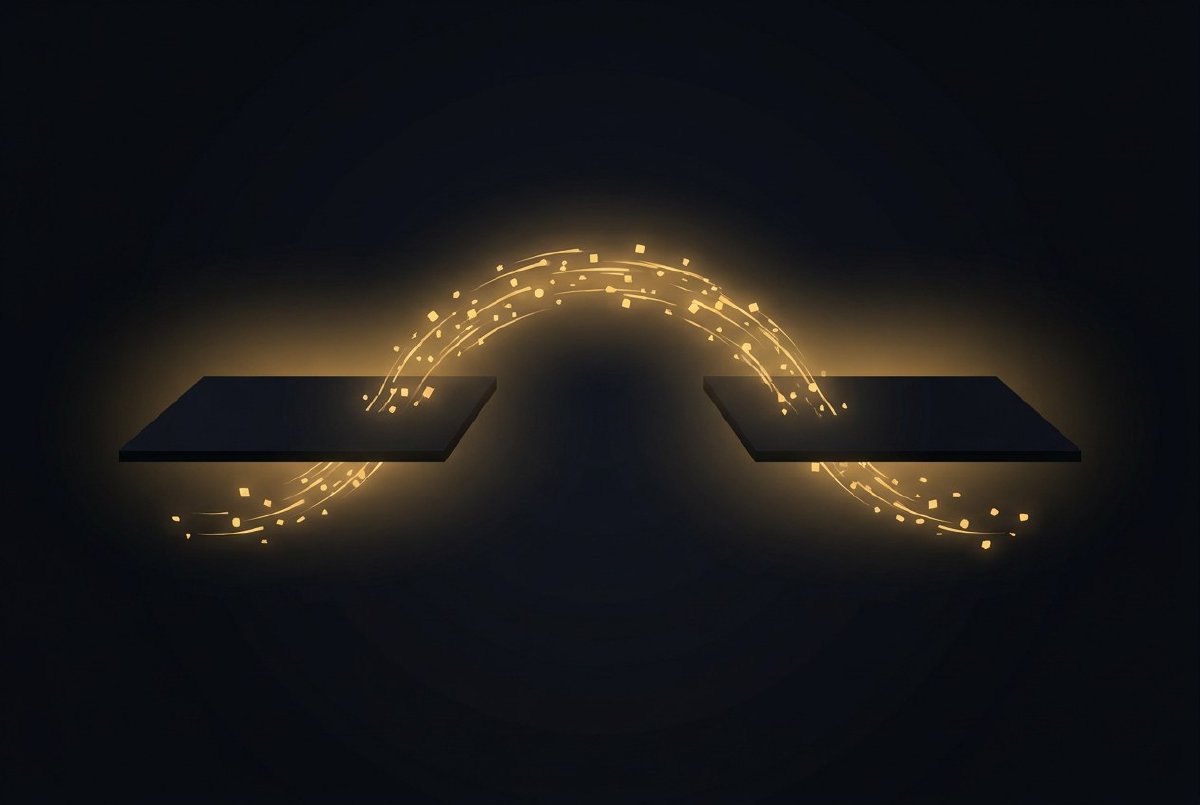
Lux has two rendering systems now. The original vector pipeline — shapes, transforms, layers, all rasterised by Vello — and the new texture pipeline with GPU shaders. They’re both useful. They’re also completely separate. A Circle node outputs a Layer. A Blur node expects a Texture. Without a bridge, they can’t talk to each other.
This session builds the bridge.
The problem
Say you want to blur a circle. Simple request. But a Circle produces PinValue::Layer — a vector drawing command — and Blur expects PinValue::Texture — a handle to a GPU-resident image. You can’t connect them. The type system won’t let you, and even if it did, the data formats are incompatible.
You need to rasterise the vector layer into a texture (Circle → pixels), process it through the shader pipeline (pixels → blurred pixels), and then optionally composite the result back into the layer pipeline (blurred pixels → draw command).
Two nodes. Two directions. One bridge.
RenderTarget: layers → texture
- Inputs:
layer(Layer),width(Number, 512),height(Number, 512),clear_color(Color, transparent) - Output:
texture(TextureHandle)
RenderTarget takes a vector Layer and rasterises it into a GPU texture at the specified resolution. It uses ctx.render_layer_to_texture(), which delegates to an offscreen VelloBackend inside the TextureEngine.
The clear colour defaults to transparent — which matters more than you’d think. If you’re rendering white shapes on a transparent background and feeding that into a Composite node as a mask, you need the background to be zero-alpha, not black. Transparent is the right default for compositing workflows.
The node is stateful and always-dirty because the input layer can change every frame (an animated shape, a mouse-driven position). It re-renders every frame. That sounds expensive, but Vello is fast — rasterising a few hundred vector shapes at 512x512 takes less than a millisecond.
This is where the two worlds connect. Every vector shape Lux can draw — Circle, Rect, Star, Polygon, Path, text, groups with transforms — can now become a texture and enter the shader pipeline.
TextureToLayer: texture → layers
- Inputs:
texture(TextureHandle),x(Number),y(Number),width(Number, 512),height(Number, 512) - Output:
layer(Layer)
TextureToLayer goes the other direction. It takes a GPU texture handle and produces a DrawCommand::DrawTexture that the Vello backend can composite into the final frame. Position it with x/y, size it with width/height.
The Vello backend converts the texture handle into a peniko::Image for rendering. There’s a texture cache in the backend that maps TextureHandles to their CPU-side RGBA data (via readback_texture_sync) so Vello can use them as image fills. This is synchronous — the GPU copies the texture to a staging buffer, maps it, and hands the bytes to Vello.
Yes, GPU→CPU readback is slow. It’s a pipeline stall. But it only happens for textures that actually need to re-enter the vector pipeline. If your entire output is textures (a common case for image processing), you bypass this entirely. The readback is the cost of bridging two fundamentally different rendering models, and it’s a cost you only pay when you choose to.
What this enables
Before this session, vector shapes and textures were two separate worlds. Now:
- Circle → RenderTarget → Blur → TextureToLayer — blurred vector shapes
- Circle → RenderTarget → EdgeDetect → TextureToLayer — outline effects on vector art
- LoadImage → HueShift → TextureToLayer — colour-corrected images composited with vector shapes
- NoiseTexture → Threshold → TextureToLayer — procedural masks drawn alongside circles and rects
The RenderTarget node is also the foundation for feedback loops — you need to capture the current frame as a texture before you can feed it back into the next frame. That’s coming next.
Two nodes, 379 lines, and Lux’s two rendering worlds are one.