Pick a Screen, Any Screen
Output now goes fullscreen on the display you choose, not the one it happens to be sitting on. Pick the projector once in Project Settings and Lux remembers it, so tomorrow night the same rig comes up pointing at the same screen.
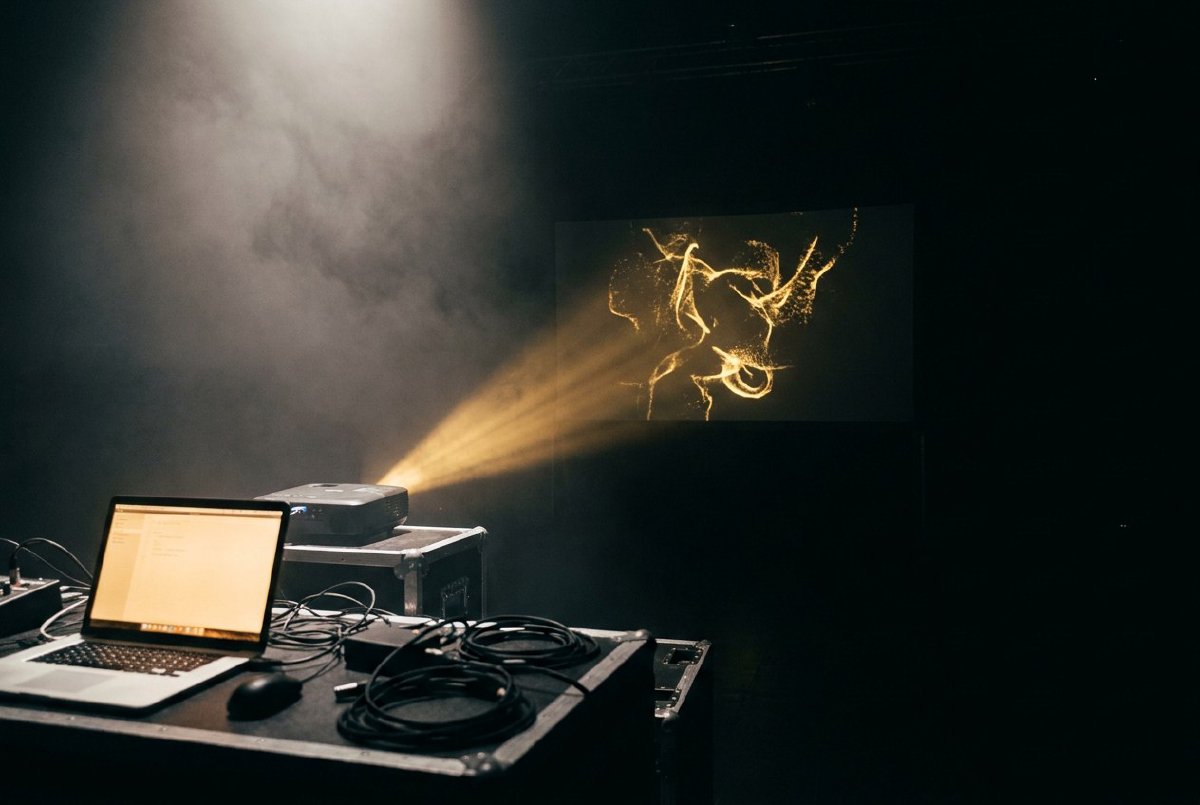
Until now, sending Lux fullscreen was an act of faith. The output window went fullscreen on whichever monitor it was already on, which meant the ritual before a set was: open the output window, drag it onto the projector, squint, check it landed, then hit F11 and hope. If it came up on your laptop panel instead, you dragged it back and did it again.
Every tool you have used instead of ours (TouchDesigner, Notch, Resolume, vvvv) lets you name the display. Now so does Lux.
Where it lives
Project Settings (Ctrl+comma) grows a Fullscreen On picker listing the displays you actually have plugged in, by name and resolution, with the primary one marked. Pick the projector and the output window goes there immediately. You do not have to press F11 afterwards to make the point; picking a screen is the instruction.
From then on F11 keeps sending output back to that display, and the choice is saved with the project. Load the patch tomorrow, hit F11, and it lands where it landed last night. The projector stays picked.
Remembering a monitor is harder than it sounds
Here is the annoying part. The window system does not hand out any monitor identity that survives a restart, let alone a cable being pulled out and pushed back in. There is no serial number to write down. So Lux remembers a display the way you would recognise it yourself: by its name, and by where it was sitting on your desktop when you chose it.
That gets matched back against what is actually connected at the moment you go fullscreen, and the matching has to survive a real venue rather than a tidy diagram:
- The house rig runs your projector at 720p tonight, not the 1080p you picked it at. Same cable, same name, still the display you meant. It goes there.
- Two identical projectors, reporting the same model name, because of course they do. The saved geometry is the only thing telling them apart, and it does.
- The projector is not plugged in at all. Output goes fullscreen on your primary display. It does not refuse, and it does not throw a dialog at you. At 1am, mid set, a fullscreen window beats a correctly worded error every time.
That last one is the whole design in miniature. The failure case is not an edge case, it is Tuesday.
The picker never lies to you
Falling back quietly is the right behaviour. Falling back silently is
not. So the picker has a third thing it can say, beyond “current display”
and the name of a screen: DP-3 — not connected (F11 uses eDP-1 — 2560x1600).
Both halves of that matter. Your projector is still picked, still saved with the project, and still comes back the instant the cable does, so the picker keeps showing it rather than quietly reverting to “current display” and letting you believe you never chose anything. And because output is going somewhere else tonight, it tells you exactly where, before you find out by pressing F11 in front of an audience.
The rule the whole feature is built on: the display named in the picker is the display fullscreen lands on. Always, in every state, including the awkward ones. If you want the projector genuinely forgotten, pick “Current display” and it is gone.
That rule survives contact with the awkward ones only if you take it literally, which is how we noticed that some platforms decline to name their displays at all. A screen with no name has no name to be recognised by, so an unplugged nameless projector would happily match the nameless laptop panel still sitting there, and the picker would report it as the screen you chose. It now matches on where the screen physically is instead, and an unplugged nameless projector reads as what it is: gone.
What we are not claiming
The decision (given these displays and this saved choice, which one?) is pinned by tests that run with no window, no GPU and no display server at all. The part where the compositor honours a targeted fullscreen cannot be checked by a machine that has one monitor, so we did not pretend otherwise: the manual protocol is written into the test file instead of being papered over with an assertion that proves something weaker. An honest boundary beats a green tick that means nothing, which is a theme around here.
One output window still, no edge blending, no warping. Those are their own posts. This one is just about the projector being where you left it.