Texture Sources
Three nodes that create textures from nothing — LoadImage for files, SolidColor for flat fills, and NoiseTexture for procedural Perlin, Simplex, and Worley patterns.
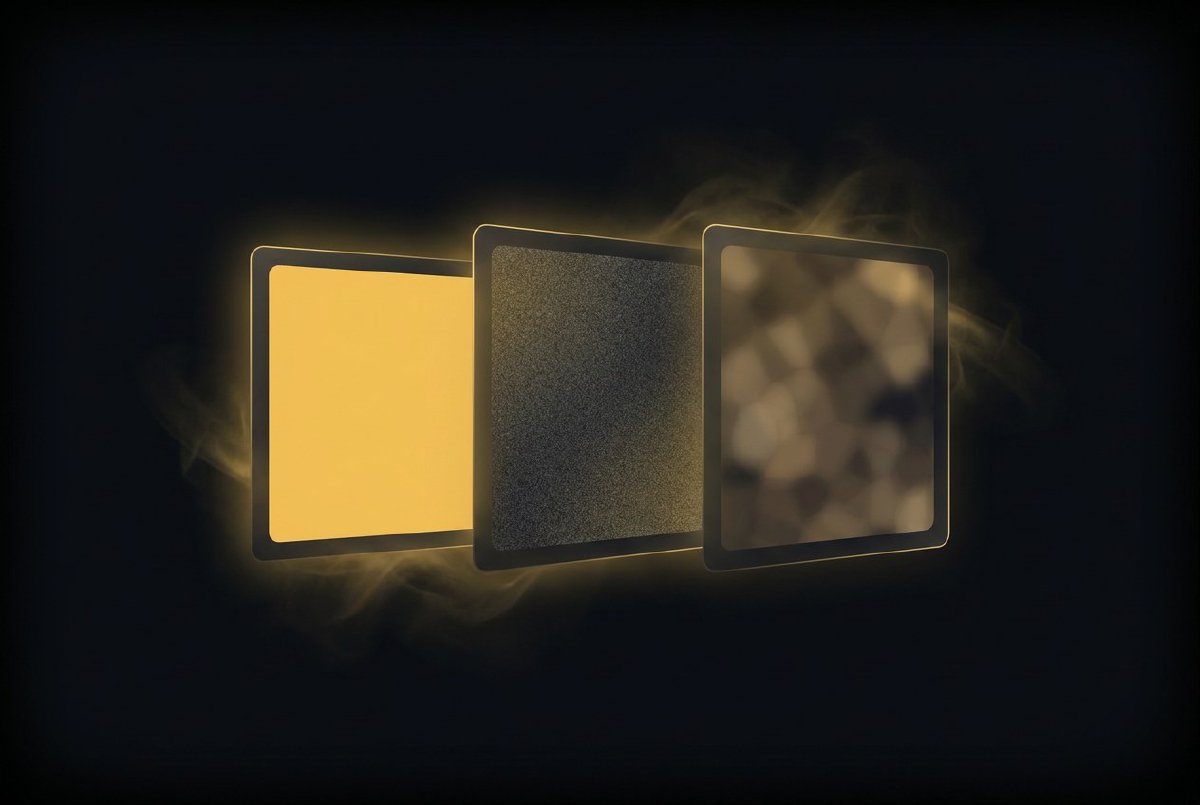
A texture pipeline is useless without something to feed it. The GPU infrastructure from the previous session can allocate, cache, and shade — but it needs pixels. These three nodes are the on-ramps.
LoadImage
The most obvious texture source: point it at a file, get a texture.
- Input:
path(String — PNG, JPEG, or WebP) - Outputs:
texture(TextureHandle),size(Vec2)
LoadImage is stateful with change detection. It decodes the image on the first frame (or when the path changes), uploads the RGBA bytes to a GPU texture via ctx.upload_texture(), and then does nothing on subsequent frames. The texture handle stays valid, the GPU memory stays resident, the CPU stays idle.
The image crate handles decoding. Everything gets converted to RGBA8 regardless of source format — PNG with transparency, JPEG without, WebP either way. One format on the GPU, no surprises downstream.
For a 1920x1080 image, that’s a single 8.3MB upload on the first frame and zero work after that. Change the path and it re-decodes. Same path, same texture.
SolidColor
Sometimes you need a flat fill. A background. A mask. A colour to multiply against.
- Inputs:
color(Color, default white),width(Number, 256),height(Number, 256) - Output:
texture(TextureHandle)
SolidColor generates a width × height texture filled with a single RGBA colour. Like LoadImage, it’s stateful — it regenerates only when the colour or dimensions change. Wire a colour picker to it and you get a live-updating texture that only re-uploads when you actually move the slider.
This node seems trivial but it’s a building block. Connect it to a Blend node as the background. Use it as a mask input. Feed it to a shader as a uniform. A lot of texture chains start with “I need a flat colour at this resolution.”
NoiseTexture
This is the interesting one.
- Inputs:
type(Enum: Perlin / Simplex / Worley),width(Number, 256),height(Number, 256),scale(Number, 4.0),seed(Int, 0) - Output:
texture(TextureHandle)
NoiseTexture generates procedural noise on the CPU using the noise crate, then uploads it as a GPU texture. Three noise algorithms:
Perlin — the classic. Smooth, organic, good for terrain-like patterns. Gradient-based interpolation across a grid.
Simplex — Perlin’s successor. Fewer directional artefacts, slightly cheaper to compute, better at higher dimensions (though we’re only using 2D here).
Worley — also called cellular noise. Computes distance to the nearest random feature point. Creates cell-like, organic patterns — think bubbles, cracked earth, voronoi diagrams.
The scale parameter controls the frequency — how “zoomed in” you are to the noise field. Scale 1.0 gives one big smooth gradient. Scale 20.0 gives fine-grained detail. The seed shifts the noise origin, giving you a completely different pattern for the same coordinates.
Noise values come back in [-1, 1]. The node maps them to [0, 255] for RGBA8 upload — grayscale, all four channels equal. Feed the result into HueShift or ColorMatrix for coloured noise, or use it as a displacement map for distortion effects.
Like the other sources, it’s change-detected. The CPU noise generation only runs when an input changes. At 256x256, that’s 65,536 pixels of noise computation — fast enough for interactive parameter tweaking, and completely free on frames where nothing changes.
The pattern
All three nodes follow the same pattern: stateful, change-detected, lazy. They do expensive work (file decode, pixel fill, noise generation) only when inputs change, and produce a TextureHandle that downstream nodes can use for zero-cost GPU processing.
This matters because texture sources sit at the top of processing chains. Everything downstream — filters, composites, feedback loops — depends on these handles. If sources re-uploaded every frame regardless of changes, the entire pipeline would be bottlenecked at the input. Change detection means the steady-state cost is zero.
Three nodes, 378 lines of code, and the texture pipeline has something to chew on. Next up: eight GPU filters to process them.