Wires That Help You
Magnet-snap to the nearest compatible pin. Drop a wire into empty canvas and get a filtered, pin-type-aware search. Backward wires that route around their source node instead of through it. Plus one central place where every editor animation lives.
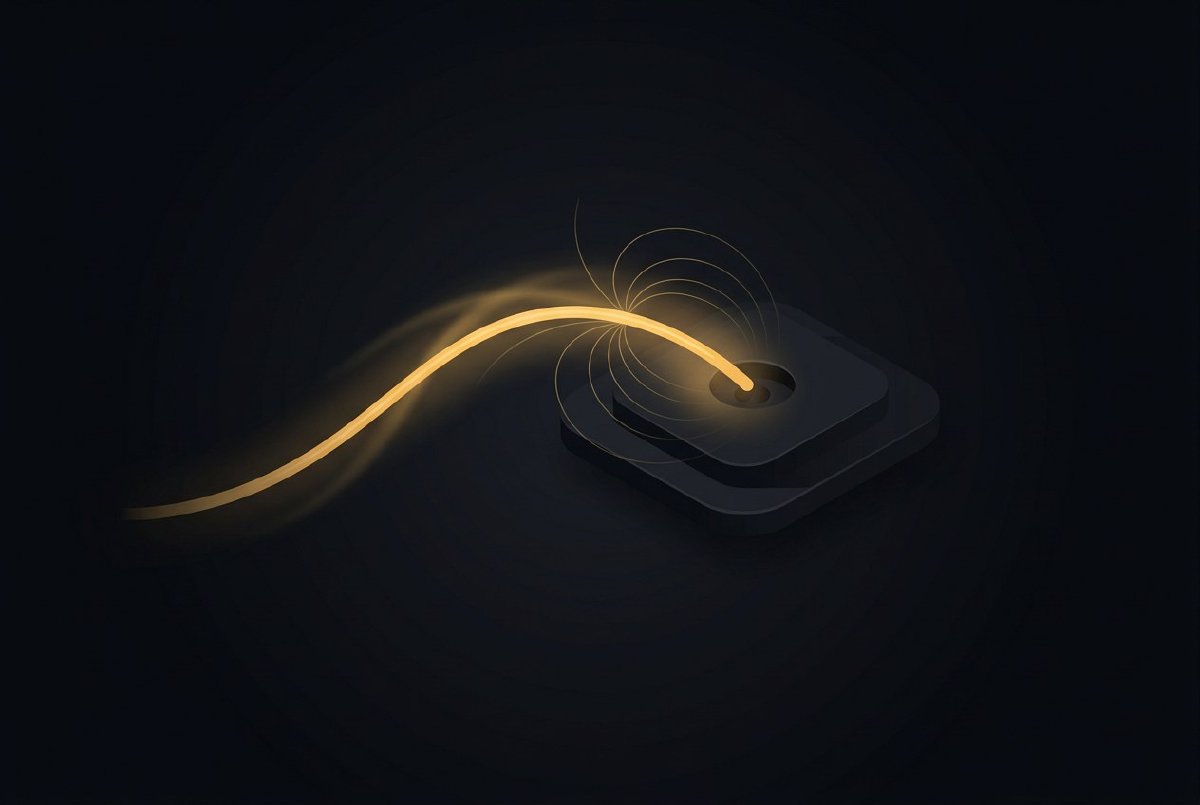
Wires are the thing you interact with most in a node-based editor. Every patch is a tangle of them. Every mistake is a misrouted one. Every hour of work is mostly connect, disconnect, re-route, connect again.
For a long time, Lux’s wires worked. They didn’t help. You had to drop the cursor exactly on a 3-pixel pin circle. You couldn’t search for “what does this wire connect to” mid-drag. Wires that looped backwards drew straight through their source node like they’d been drawn with a ruler and no empathy.
This session was a round of making wires actually help.
Magnet snap
The canonical complaint. Dragging a wire to a pin means landing your cursor on a 3-px circle in screen space. If you’re working at 100% zoom, that’s fine; at 50% zoom that circle is 1.5 pixels wide and you’re going to miss it.
The fix is the one every modern node editor ships: magnet snap. As you drag a wire, the editor continuously searches for the nearest type-compatible pin within a 32-px screen-space radius, and if one exists, the wire visibly snaps to it. Release the mouse and you connect to the snapped pin, not the pin your cursor happened to be over.
The implementation lives in find_magnet_target: scan every pin on the opposite side from your drag source (inputs if you’re dragging from an output, outputs if you’re dragging from an input), reject pins on the same node as the source (no self-connect), filter by PinType::accepts, sort by squared Euclidean distance, return the nearest. O(N × pins_per_node) linear scan, which is the same shape as the existing hit-test and has never shown up in a profile.
The radius is screen-space, not canvas-space. It divides by canvas.zoom before the comparison, so the snap “feel” stays constant whether you’re at 25% zoom or 300% zoom. Zoom in to adjust a tiny detail; the magnet still works. Zoom out to see the whole patch; the magnet still works.
The wire visibly bends to the snapped target as you drag. This is the feedback that makes the whole thing usable. Without the visible snap, you’d never trust the system to do the right thing on release. With it, you learn within ten seconds that close-enough is close enough.
Four tests cover the interesting cases: finds nearest compatible in range, returns none beyond range, rejects same-node self-connect, picks nearest when there are multiple candidates. Quite possibly the feature with the highest test-to-line ratio in the codebase.
Wire-drag search with pin-type filter
The second UX complaint. You start a wire from an output pin, drag it across the canvas, realize the node you wanted to connect to doesn’t exist yet, and… now what? In the old behaviour, you’d release the wire onto empty canvas, the wire would die, you’d Space to open the create dialog, you’d find the node you wanted, create it, then drag a new wire from the output pin. Two drags, one create, three steps that should have been one.
The new flow: drag a wire to empty canvas and release. The create dialog opens at the release point, pre-filtered to nodes with a pin that accepts the source’s pin type. Pick a node from the filtered list. It spawns at the release point with a pre-wired connection to the pin that made it compatible.
So if you drag a Number output into empty canvas, the create dialog shows only nodes that have a Number input. Pick Add and it spawns with the wire already connecting your source to Add.a. No second drag. No hunting through the dialog for the right category.
The filter isn’t strict — pins with PinType::Any always match, and coercible pairs (Number → Vec2 via broadcast, Int → Number via widen) match too. Same rules as the graph engine uses for actual connection compatibility. What the magnet snaps to, the search finds.
The auto-connect picks the first compatible pin on the spawned node. Usually that’s the right choice — Add.a for a Number feeding the Add node. For cases where it isn’t, you disconnect and re-drag, which is the same number of steps as if you’d done it manually.
One subtlety I ran into while implementing this: the create dialog has to be positioned correctly in canvas-space regardless of whether the user spawned it via Space (cursor position), Shift-Shift (screen center), or wire-drag-into-empty-canvas (release point). All three paths feed into the same dialog with different origin coordinates, and the spawn point of the new node has to come back through that same coordinate regardless of which path opened the dialog. Easy to get wrong. Caught it with a test that spawns a node via each path and asserts position.
Backward wire routing
Wires in Lux are cubic bezier curves. The control points are derived from the source pin position, the target pin position, and some heuristics about lead-in/lead-out direction. For the common case (source on the left, target on the right), the heuristic makes the wire bulge out slightly from each endpoint before curving to meet in the middle. Looks nice.
When a wire goes backward — source is to the right of target, which happens when you wire a downstream output back into an upstream input via a FrameDelay for a feedback loop — the old heuristic produced a wire that went straight through the source node. Because the control points were positioned assuming forward flow, a backward wire got no room to curve and just drew a line across whatever node was in its way.
The fix is a different set of control points for backward wires. When the source X is greater than the target X (plus some margin), the lead-out extends further to the right before curving downward, then sweeps leftward past the source node’s bounding box, then approaches the target from above or below. The result is a wire that routes around the source node instead of through it.
The “plus some margin” part is because you don’t want this routing for near-vertical wires. A wire that goes from node A at (100, 100) to node B at (99, 200) is technically “backward” by one pixel, but routing it around A would look ridiculous. The margin (currently 40 pixels) keeps the round-about routing for wires that are meaningfully backward.
Vertical lift is the other new heuristic. A backward wire that goes above the source node gets lifted upward; one that goes below gets lifted downward. The direction is picked by the target’s vertical position relative to the source. Two backward wires from the same output to different targets never overlap, because one lifts up and the other lifts down.
There’s probably a better routing algorithm than this. A real graph-layout library would consider every other node in the canvas and route around all of them. What I shipped is the local fix — route around your own source node — which covers 95% of the cases I see in practice. When someone sends me a patch where this breaks, I’ll upgrade to the real algorithm.
motion.rs
One structural change that makes the rest of this session consistent: every animation in the editor now goes through a central motion module.
Before this, each UI element had its own easing code. The welcome modal’s hover tween was an ad-hoc lerp in welcome.rs. The inspector’s panel slide-in was a separate lerp in inspector.rs. The search dialog’s fade was a third copy. Three different easing curves, three different durations, no shared state. When I wanted to add a global “reduce motion” preference, I would have had to touch every call site.
motion.rs holds the durations, the easing curves, and the reduce-motion flag. Every animation call site is now:
motion::tween(
    self.hover_progress,
    target,
    motion::SLIDE_DURATION,
    motion::EASE_OUT,
)
Three constants: SLIDE_DURATION (140ms, used for hover, fade-in, panel-slide), POP_DURATION (80ms, used for button presses and micro-feedback), EASE_OUT (the standard quadratic ease-out curve). Plus a set_reduce_motion global that short-circuits every animation to “immediate” when enabled.
This matters because I spent months accumulating motion code that was “fine but inconsistent.” The inspector slid in a little faster than the welcome modal. Hover tints took a different curve to button presses. Nobody would have complained; everyone would have felt, subconsciously, that the editor was a little unhinged. Consistency isn’t a feature you can point at; it’s the absence of disharmony.
Now every animation in the editor shares three constants. Adjusting any of them shifts the whole UI’s feel in one place.
What it feels like
Before this session, wiring was a precision-cursor exercise. After, it’s a casual gesture. You drop an output roughly near an input; the wire snaps; you release. You drop a wire into space; the right dialog opens with the right filter. You wire a feedback loop; the wire curves around its own source node instead of disappearing into it.
The individual fixes are all small. The cumulative effect is an editor that quietly does the right thing more often than it used to. Which is the bar.
Next post is the third in the polish triptych: tooltips with defaults, error dots on panicking nodes, and the F8 profiler HUD.
I have no idea what I’m doing or if any of this is right, but it’s fun. Follow along.